RinseBg Works on mobile No model download

RinseBg vs remove.bg and Canva

Compare what each tool does with your images, how you get a cutout, and what you can export for your shop.

Automate background removal for a batch with the API. Each request processes one image and returns a transparent PNG. API docs

Free · No account · No watermark

Original
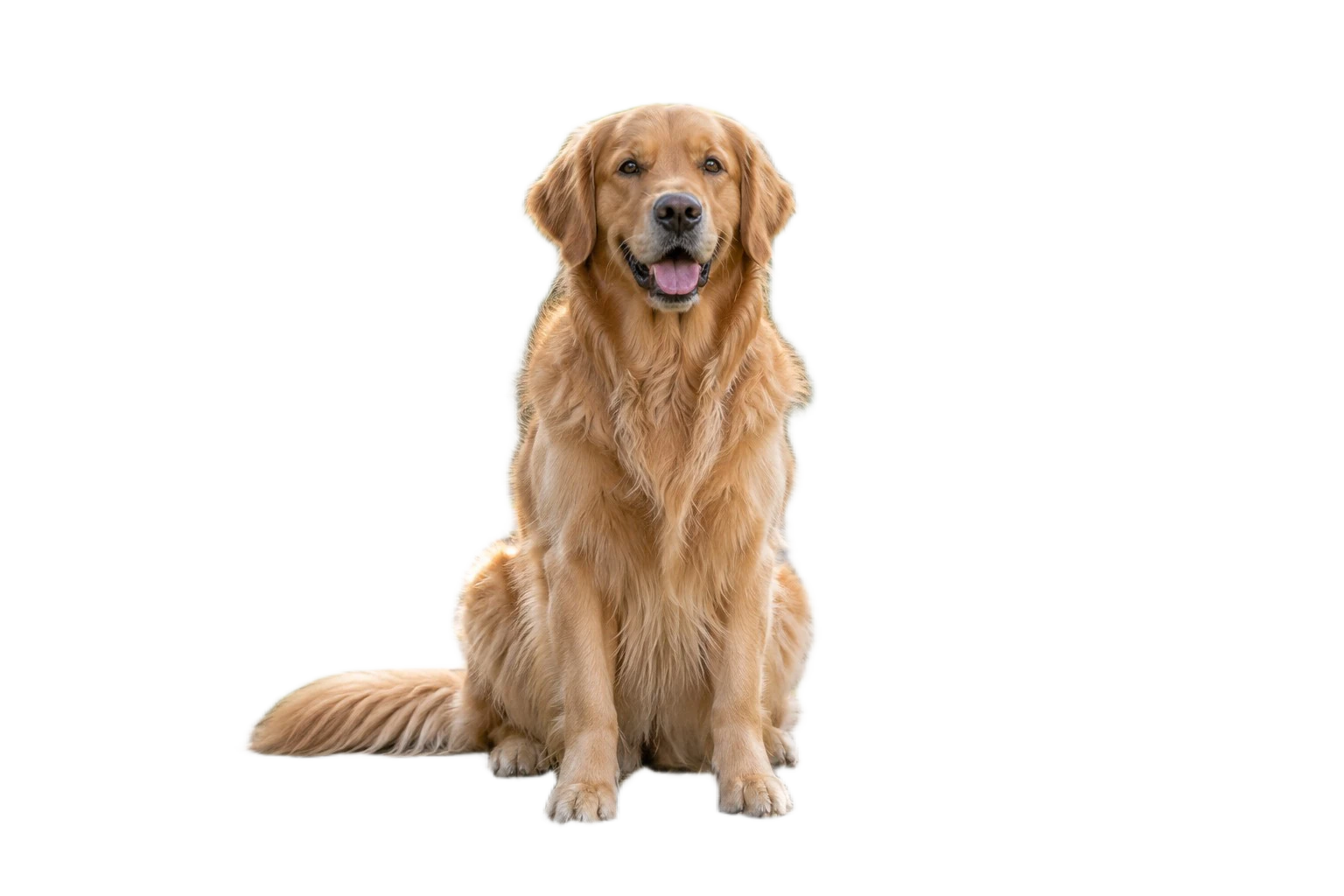
RinseBg cutout
Example of a RinseBg cutout

Background removal at a glance

What you needRinseBgremove.bgCanva
How you startUpload in the free web workspace. The Chrome development build adds a right-click action for supported web images.Use the web uploader. The desktop app uses the remove.bg API and needs internet access and an API key.Upload a photo or select one in the Canva editor, then use Background Remover.
Where images goAI cutouts run on RinseBg’s servers in both the web workspace and the Chrome extension. The app processes images in memory.Images are uploaded for processing. remove.bg says uploads are typically deleted within 60 minutes.Canva’s online workflow uploads images for background removal.
What you getTransparent PNG from the extension. Batch ZIP and four listing image variants organized by SKU from the web workspace.Transparent cutouts. The site offers low-resolution previews and uses credits for high-resolution downloads.Keep editing the cutout inside a design. Background Remover is included in paid plans.

remove.bg has announced it is moving its background removal feature into Canva. Check its official FAQ for transition details. remove.bg migration FAQ

Which RinseBg actions upload photos?

Chrome extension (development build)

Right-click a supported web image to remove its background and download a transparent PNG. The extension sends the selected image to RinseBg for processing.

In-browser editing

Turn off Remove background to resize, adjust margins and export PNG, JPG, WebP or ZIP in your browser. Your images stay on your device in this mode.

Open the image workspace

Server-side background removal

RinseBg processes the original and the cutout in memory for the current request. It saves neither as an image file and keeps no image copy after the request finishes.

Access logs may include IP addresses, request times and status codes. The developer API also keeps usage records.

Product photos ready for your listings

Set consistent dimensions and margins in batches of up to 10 images. The listing pack uses your current results to create four image variants, a CSV manifest and SKU folders in one ZIP.

Explore product listing packs

RinseBg · Privacy Policy

With background removal enabled, starting processing uploads images to the RinseBg server. It returns a transparent image for this request only, creates no image library and sends no images to third parties. With removal disabled, editing stays in your browser without uploads.

The model stays on the server; phones and computers do not download it. Uploads and results are buffered only during processing and are not saved as image files by the application. Server access logs may include IP addresses, times and status codes.

Only language and image settings are saved, not images. Refreshing or closing the page discards results you have not downloaded.

This tool uses BiRefNet and ONNX Runtime. Third-party models and dependencies retain their respective licenses.

Your message is sent to our support inbox through Cloudflare’s contact service. Form copies are kept for up to 30 days; email correspondence is retained as needed to reply. Your processed images are not attached. Do not include passwords or sensitive information.

Third-party licenses & sources ↗

RinseBg · Cookie Policy

RinseBg currently sets no cookies and uses no advertising or analytics trackers. Browser local storage remembers only your language and image settings, not your images or results.

These settings remain until you clear this website’s browser data. You can clear or disable site storage in your browser settings. Image processing still works with storage disabled, but preferences may not be remembered.

RinseBg · Terms of Service

By using RinseBg, you agree to these terms. Upload only images you have permission to process and obtain any necessary consent. Do not infringe privacy or intellectual property rights, disrupt the service or bypass usage limits.

Automatic processing may make mistakes around edges or subjects. Check results before using them. Follow the displayed file and batch limits and download results promptly. Maintenance or high demand may temporarily interrupt the service.

Processing does not transfer ownership of your images. The website copyright notice does not restrict rights under third-party licenses or previously granted open-source licenses. See the Privacy policy for license notices and sources.

RinseBg · Contact

Your message is sent to our support inbox through Cloudflare’s contact service. Form copies are kept for up to 30 days; email correspondence is retained as needed to reply. Your processed images are not attached. Do not include passwords or sensitive information.